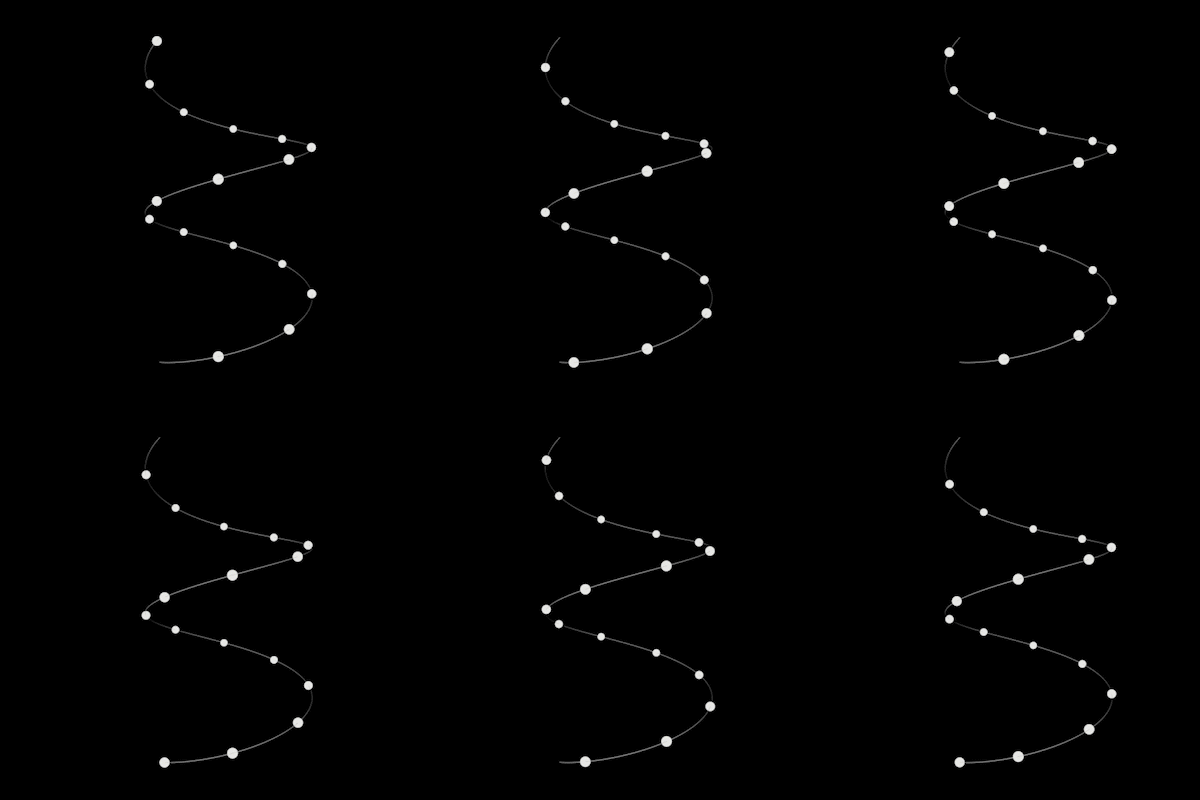
Cinema 4D has long been the playground for motion designers who thrive on precision, automation, and creative control. But sometimes the built‑in tools don’t quite stretch far enough. That’s where custom Python effectors come in—bridging the gap between technical scripting and artistic freedom.
One such tool is the Enhanced Spline Path Effector, a Python‑driven effector designed to give motion designers unprecedented control over how clones and objects travel along splines. Think of it as a turbocharged version of the classic Spline Effector, but with smoother motion, smarter looping, and more expressive behaviors.

✨ Key Features Motion Designers Will Love
- Perfect Looping Define custom loop frames to ensure animations cycle seamlessly—ideal for looping GIFs, broadcast graphics, or endlessly repeating UI animations.
- Bidirectional Movement Switch between forward, backward, or ping‑pong motion. This makes it easy to create oscillating animations, bouncing particles, or reversible motion paths without duplicating splines.
- Multiple Easing Functions Go beyond linear interpolation. Choose from ease‑in, ease‑out, ease‑in‑out, cubic variations, and more. This allows designers to inject personality into motion—whether it’s a gentle drift or a snappy acceleration.
- Smoother Offset Application Add organic variation with offset ranges and smoothness controls. Perfect for breaking up uniformity in clone animations, giving them a more natural, hand‑crafted feel.
- Spline‑Based Orientation Control Objects can align their rotation to the spline’s tangent and normal, ensuring they “flow” along paths with believable orientation. Great for animating vehicles, particles, or abstract forms that need to feel grounded in motion.
🎨 Practical Applications in Motion Design
- Logo Animations Animate elements tracing a logo’s outline with perfect looping and easing for polished brand reveals.
- Broadcast Graphics Create dynamic lower‑thirds or looping background elements that glide along complex spline paths without jitter.
- UI/UX Motion Prototype interface animations where icons or elements follow curved trajectories with natural easing.
- Particle Systems Drive MoGraph clones along splines with randomized offsets, producing organic swarms, flowing ribbons, or abstract particle trails.
- Procedural Art Combine ping‑pong motion with spline orientation to generate endlessly evolving abstract animations—ideal for experimental visuals or music videos.
⚙️ User‑Friendly Controls
The script exposes intuitive User Data Parameters, so designers don’t need to dive into code to tweak behavior. With sliders for speed, offset range, loop frames, and dropdowns for motion type and direction, the effector feels like a native Cinema 4D tool. The addition of a Reset Simulation button makes iteration painless, while Random Offset + Smoothness settings give instant access to organic variation.
🌍 Why It Matters
For motion designers, time is often split between creative exploration and technical problem‑solving. The Enhanced Spline Path Effector reduces the technical overhead, letting artists focus on storytelling and aesthetics. By combining looping, easing, and orientation into one effector, it eliminates the need for multiple workarounds or plugins.
This script embodies the philosophy of modern motion design: automation that empowers creativity, not replaces it.
🔮 Final Thoughts
The Enhanced Spline Path Effector isn’t just a utility—it’s a creative catalyst. Whether you’re animating sleek broadcast packages, playful UI elements, or experimental art pieces, this tool gives you the control and flexibility to push your designs further.
For motion designers who love blending technical precision with artistic expression, this effector is a must‑have addition to your Cinema 4D toolkit.